Reclaim
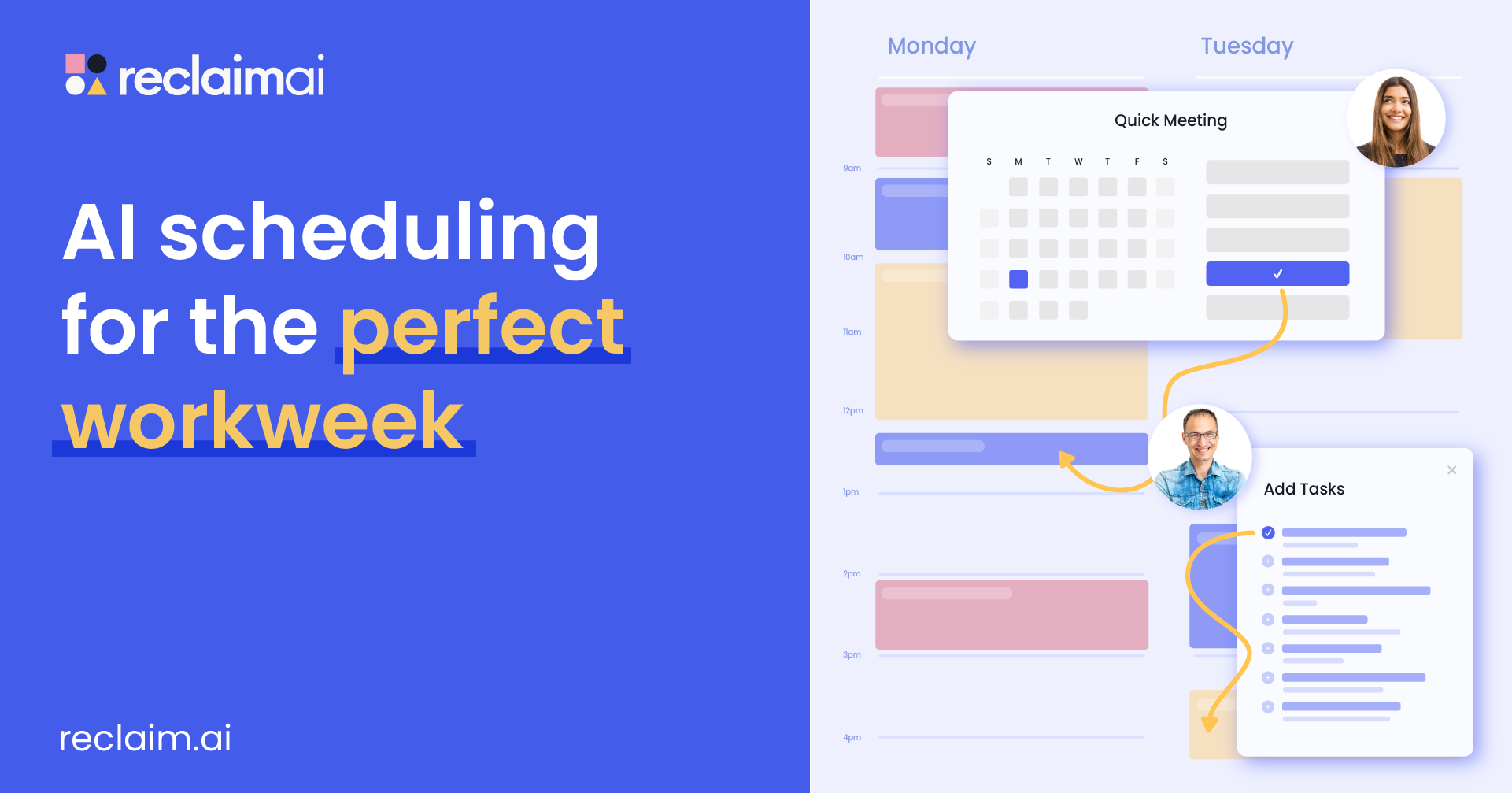
AI calendar assistant that defends time for your tasks, habits and focus — and reschedules intelligently when meetings collide.
About Reclaim
Reclaim connects to your Google or Outlook calendar and automatically blocks time for the things that never get scheduled: tasks from your to-do apps, daily habits like exercise or reading, focus sessions, and buffers around meetings. When a conflict appears it reshuffles the flexible blocks instead of letting your priorities silently die. It is the gentler, cheaper rival to Motion, with a genuinely free Lite plan for one calendar. Teams use it to protect no-meeting time and coordinate availability without the back-and-forth.
Key Capabilities & Features
- Automatic time-blocking for tasks and habits
- Smart rescheduling when conflicts appear
- Syncs with Todoist, Asana, ClickUp and more
- Buffer and travel time around meetings
- Scheduling links with priority awareness
Reclaim Pricing Plans
Pricing Stability & Change History
| Audit Date | Plan Tier | Starting Price | Status |
|---|---|---|---|
| Oct 31, 2026 Latest Check | Freemium | $0 |
✓ Verified |
Frequently Asked Questions about Reclaim
Is Reclaim free?
A: Yes — the Lite plan is free forever for one calendar. Starter ($10/user/mo) adds multiple calendars and unlimited habits.
How is Reclaim different from Motion?
A: Both auto-schedule. Reclaim works around your existing task apps and starts free; Motion replaces more tools in one app but is paid-only.
Which calendars does Reclaim support?
A: Google Calendar and Outlook, with task sync from popular to-do apps.
Does Reclaim offer any discounts?
A: Annual billing: Starter $10/seat/mo billed yearly vs $12 monthly; Business $15/seat/mo vs $18 monthly. (Verified Oct 31, 2026.)