Fotor
Long-running online photo editor with AI tools for enhancement, background removal, retouching and quick social designs.
About Fotor
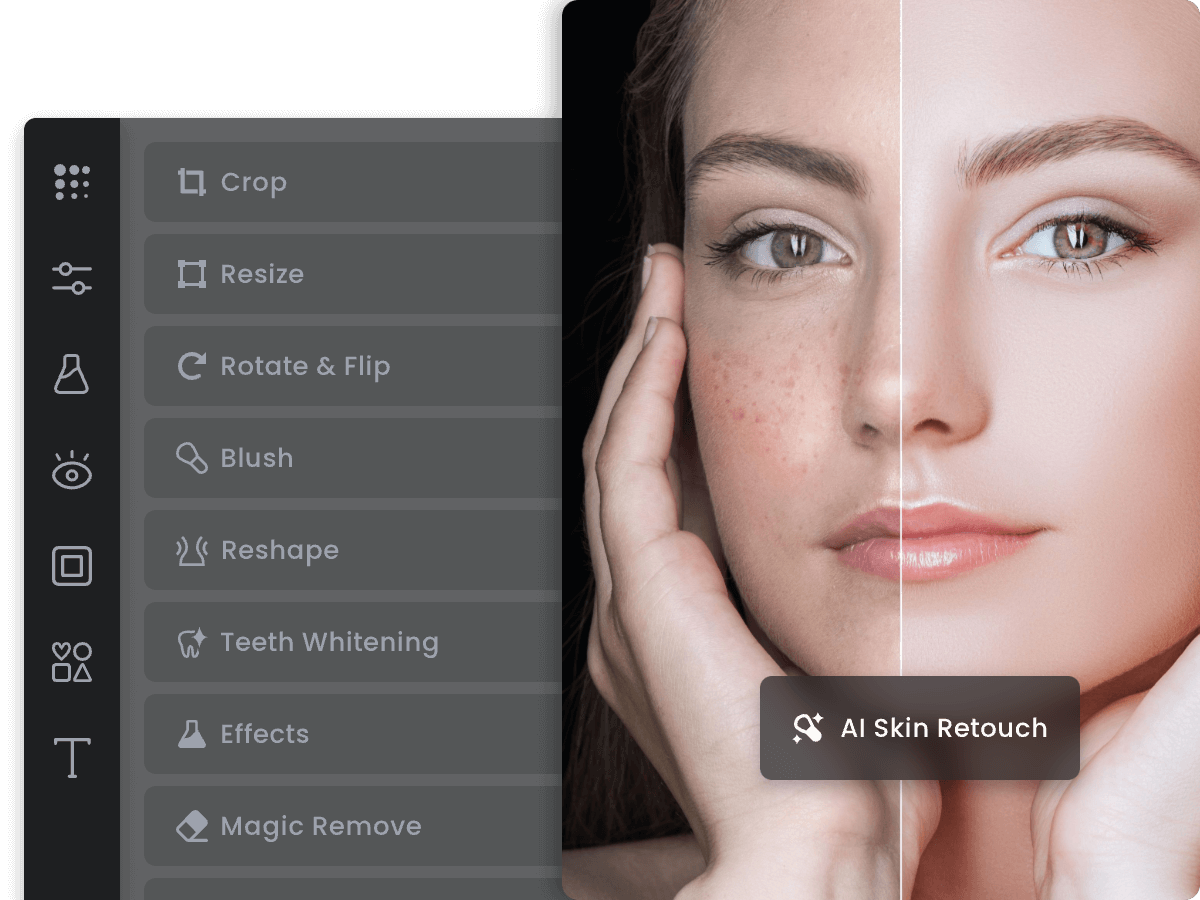
Fotor has been the browser photo editor for a decade, and its AI layer now covers the jobs people actually open it for: one-click photo enhancement, background removal, object removal, portrait retouching, an AI image generator, and templates for social posts and marketing graphics. It is less specialised than Photoroom and less artistic than Midjourney — its strength is being the dependable all-rounder for everyday photos. A free plan covers basic editing with some AI limits; Pro unlocks the full AI toolkit and asset library.
Key Capabilities & Features
- One-click AI photo enhancement
- Background and object removal
- AI image generator and portrait retouching
- Thousands of design templates
- Batch editing on desktop app
Fotor Pricing Plans
Pricing Stability & Change History
| Audit Date | Plan Tier | Starting Price | Status |
|---|---|---|---|
| Oct 31, 2026 Latest Check | Freemium | $0 |
✓ Verified |
Frequently Asked Questions about Fotor
Is Fotor free?
A: Basic editing is free; the full AI toolkit needs Pro ($9.99/mo), and AI generations use credits.
How is Fotor different from Photoroom?
A: Fotor is a general photo editor for all kinds of images; Photoroom specialises in product photography and e-commerce scenes.
Does Fotor add watermarks?
A: Free exports of some AI/template content are watermarked; Pro removes them.
Does Fotor offer any discounts?
A: Annual billing: Fotor's official site lists the Pro+ plan at $15.99/month or $71.99/year (300 credits a month); yearly AI-credit add-ons are listed at up to 70% off versus the monthly credit prices. Fotor has a free Basic plan; free users can edit and share creations through a link (no PDF/PPTX export on free) and can earn free AI credits via daily check-ins and referrals. (Verified Oct 31, 2026.)