Napkin AI
Turns your text into clear diagrams, infographics and visual explainers in seconds — built for posts, docs and presentations.
About Napkin AI
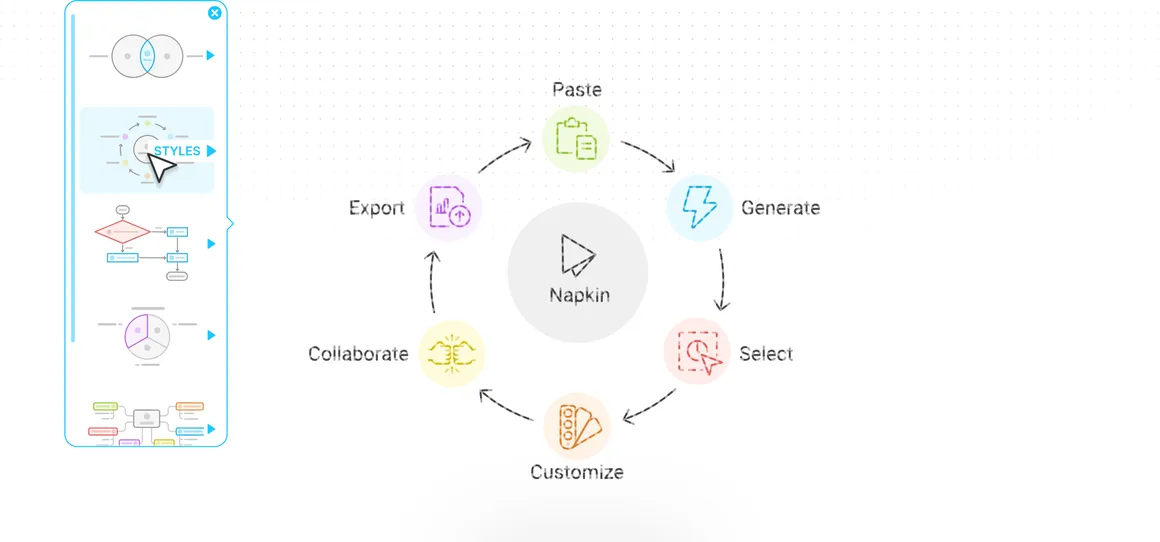
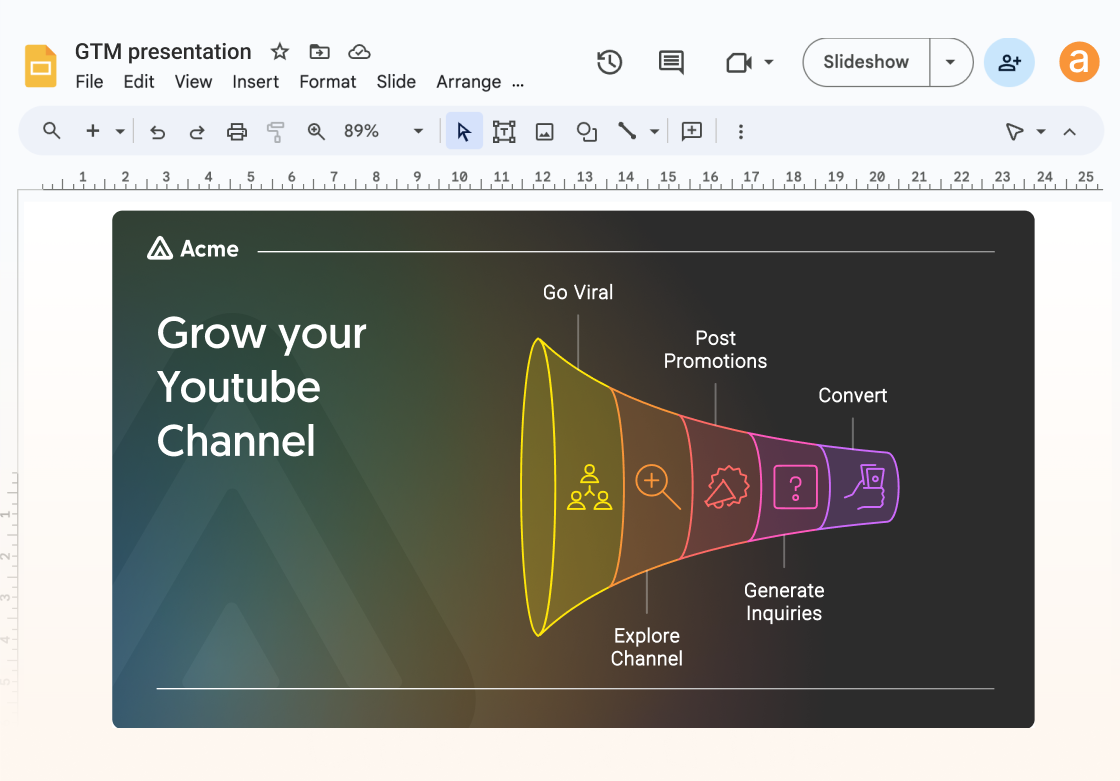
Napkin AI solves one specific, universal annoyance: you have written something clear, but it would land better as a visual. Paste your text and Napkin generates diagrams, flowcharts, infographics and illustrated explainers in editable styles, ready to drop into documents, blog posts, slides and social posts. It is not an art generator — its whole design favours clarity over spectacle — which is exactly why content, product and ops teams use it to make dense material readable. A free plan includes weekly AI credits; paid plans raise credits and unlock premium styles and exports.
Key Capabilities & Features
- Text-to-diagram and infographic generation
- Fully editable visual styles and layouts
- Exports for docs, slides and social (PNG, SVG, PPT)
- Brand colours and fonts on paid plans
- Fast enough for everyday content workflows
Napkin AI Pricing Plans
Pricing Stability & Change History
| Audit Date | Plan Tier | Starting Price | Status |
|---|---|---|---|
| Oct 31, 2026 Latest Check | Freemium | $0 |
✓ Verified |
Frequently Asked Questions about Napkin AI
Is Napkin AI free?
A: Yes — 500 AI credits weekly on the free plan. Plus ($9/mo) adds premium styles and 10,000 monthly credits.
How is Napkin different from Canva?
A: Napkin generates the visual from your text automatically; Canva is a full design editor where you build layouts yourself (Canva AI assists, but you drive).
Can I edit Napkin's visuals?
A: Yes — every generated visual is editable: text, icons, colours and layout can all be adjusted before export.
Does Napkin AI offer any discounts?
A: Annual billing: Official FAQ: 'You can save 25% by choosing an annual plan compared to a monthly plan.' Plus $9/mo billed yearly vs $12/mo monthly; Pro $22/mo vs $30/mo. Free plan offered; sign up from the pricing page. (Verified Oct 31, 2026.)